orwqa
orwqa
Related Articles
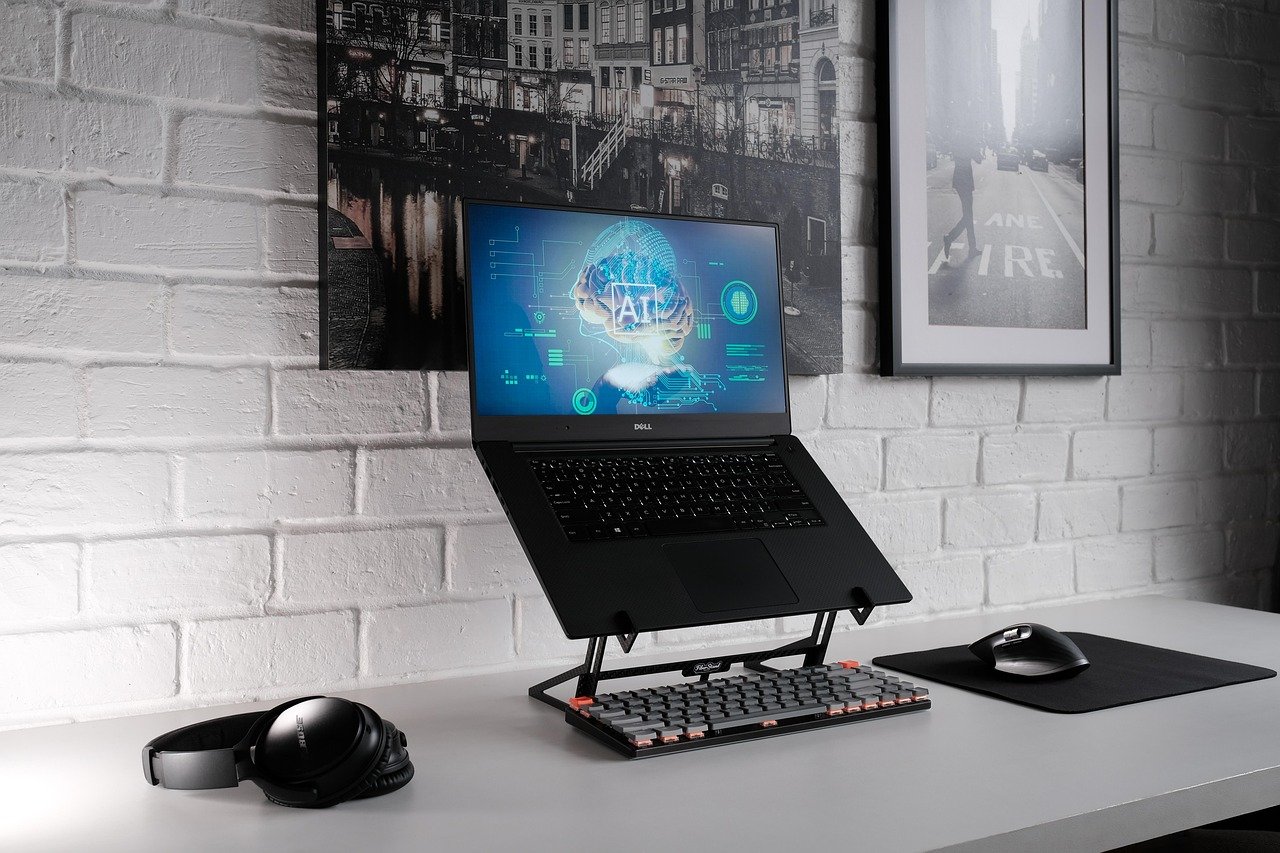

Artificial intelligence has changed the way people create digital artwork. In the past, producing a detailed illustration often required years of drawing practice, expensive software, and a significant amount of time. Today, AI powered creative tools allow beginners, designers, bloggers, marketers, and professional artists to create original looking illustrations with simple text instructions.
AI illustration tools can turn a written idea into a visual concept within minutes. Depending on the platform, users can create cartoon characters, editorial illustrations, fantasy scenes, concept art, children’s book artwork, posters, icons, backgrounds, and many other forms of digital artwork.
The growing popularity of these tools does not mean traditional artistic skills are no longer useful. Instead, AI can work as a creative assistant. Artists can use it to explore ideas, develop compositions, experiment with styles, and create starting points that can later be refined manually.
In this article, we will explore some of the best AI tools for generating illustrations and digital artwork, explain what makes each tool useful, and discuss how to choose the right option for your creative needs.
What Are AI Illustration Tools?
AI illustration tools are software applications that use artificial intelligence models to generate or modify images. Most of these platforms accept text prompts that describe what the user wants to see.
For example, someone could enter a description such as a peaceful village beside a mountain lake at sunset. The AI system interprets the description and creates an image based on the requested elements.
More advanced platforms may also allow users to upload reference images, select artistic styles, change individual elements, generate variations, or edit specific areas of an image.
The technology is particularly useful for people who need visual content but do not have advanced drawing or design skills.
Why Use AI for Digital Artwork?
One of the biggest advantages of AI artwork tools is speed. A traditional illustration may take hours or even days to complete. AI can produce an initial concept much faster.
Another advantage is experimentation. Users can describe the same idea in several different ways and compare the results. This makes it easier to discover creative directions that might not have been considered initially.
AI tools can also help reduce the technical barrier to digital art. A beginner does not necessarily need to understand complex drawing software before experimenting with visual ideas.
However, AI generated artwork should still be reviewed carefully. Results can contain strange details, inconsistent objects, or other visual problems. Human editing and judgment remain important.
1. Adobe Firefly
Adobe Firefly is one of the most recognizable AI creative platforms because it is connected to Adobe’s wider ecosystem of creative applications.
Firefly can be used for generating images from text descriptions and experimenting with different visual concepts. Its integration with Adobe products can be especially useful for people who already work with Photoshop, Illustrator, or other Adobe applications.
One important benefit is the ability to combine AI generation with traditional editing. A designer can create an initial concept with AI and then continue refining it using familiar design software.
Firefly can be useful for creating illustrations, creative backgrounds, concept ideas, marketing visuals, and other digital assets.
Who Should Use Adobe Firefly?
Firefly is particularly suitable for designers, content creators, marketers, and Adobe users who want AI assistance without completely changing their existing creative workflow.
2. Midjourney
Midjourney is widely known for producing highly detailed and visually striking AI images. It has become popular among digital artists, concept designers, creative professionals, and people experimenting with imaginative artwork.
The platform can generate a wide variety of visual styles. Users can create fantasy environments, characters, architectural concepts, editorial style images, surreal artwork, and many other compositions.
One of Midjourney’s strengths is its ability to create visually rich scenes from relatively detailed prompts. Users can experiment with descriptions, compositions, lighting, environments, and artistic directions.
The platform is especially interesting for creators who care strongly about visual atmosphere and artistic presentation.
Who Should Use Midjourney?
Midjourney can be a strong option for artists, concept creators, designers, and anyone looking to explore highly creative visual ideas.
3. ChatGPT Image Generation
ChatGPT can also help users create images from natural language instructions. This makes image generation accessible to people who prefer describing their ideas conversationally.
Instead of learning complicated controls immediately, users can explain what they want and refine the result through additional instructions.
For example, a user could request an illustration for a children’s story and then ask for changes to the character, background, composition, or overall appearance.
This conversational approach can be useful when the creator has a clear idea but does not know how to express it through traditional design software.
Who Should Use ChatGPT for Artwork?
It can be useful for bloggers, writers, educators, marketers, beginners, and creative professionals who want to develop visual ideas through natural language.
4. Canva AI
Canva has become a popular design platform for people who want to create visual content without mastering professional design software.
Its AI powered features can help users generate images and incorporate them into presentations, social media graphics, posters, documents, advertisements, and other designs.
The main advantage of Canva is its complete design environment. Instead of generating an image and then moving to another application, users can continue working on the surrounding design in the same platform.
This makes Canva particularly useful for content creators who need complete visual materials rather than standalone artwork.
Who Should Use Canva AI?
Canva AI is a practical choice for bloggers, small businesses, teachers, marketers, social media creators, and beginners.
5. Leonardo AI
Leonardo AI focuses strongly on creative image generation and visual development. It provides tools for producing artwork, characters, environments, and other digital assets.
One of its appealing features is the level of control available to users. Depending on the selected workflow, creators can experiment with models, styles, image references, and other settings.
Leonardo can therefore be useful for people who want more control than a simple text to image workflow provides.
It is also interesting for creators working on game concepts, fantasy artwork, character ideas, and visual storytelling.
Who Should Use Leonardo AI?
Leonardo AI can suit digital artists, game creators, concept designers, and users who want to experiment with more advanced image generation workflows.
6. Ideogram
Ideogram is particularly interesting for artwork that requires readable text inside an image.
AI image generators have historically struggled with typography. Ideogram has focused strongly on improving text rendering, making it useful for posters, logos, advertisements, graphic concepts, and other designs where words are part of the artwork.
Users can describe both the visual composition and the text they want included.
This can make the platform useful for designers who regularly create graphics rather than purely artistic illustrations.
Who Should Use Ideogram?
Ideogram can be a good choice for posters, promotional artwork, social graphics, creative typography, and visual concepts involving written words.
7. Stable Diffusion
Stable Diffusion is a popular family of AI image generation models that has attracted significant attention from developers, artists, and technically experienced users.
One reason for its popularity is flexibility. Depending on the implementation, users can work with different models, interfaces, extensions, and customization options.
This can provide greater control over the image generation process than some simpler platforms.
However, the learning curve can be higher. Beginners may find hosted AI image services easier to understand than configuring advanced workflows themselves.
Who Should Use Stable Diffusion?
Stable Diffusion is particularly interesting for technically confident creators, researchers, developers, and artists who want extensive customization.
8. Microsoft Designer
Microsoft Designer combines AI powered image creation with a broader graphic design workflow.
Users can describe an idea and use generated visuals as part of social media posts, invitations, presentations, promotional materials, and other designs.
Its simple approach makes it suitable for people who do not want to spend a lot of time learning professional design software.
Microsoft Designer can be especially convenient for users already familiar with Microsoft’s ecosystem.
Who Should Use Microsoft Designer?
It can work well for students, office workers, marketers, small businesses, and casual creators who need attractive graphics quickly.
9. Google Image Generation Tools
Google has incorporated generative AI capabilities into several of its creative and AI products. These technologies can help users experiment with image generation and visual concepts from written descriptions.
Google’s AI ecosystem is particularly interesting for people who already use other Google services and want to explore generative AI alongside them.
As Google’s image capabilities continue to develop, creators can expect more options for generating and editing visual content.
Who Should Use Google’s AI Image Tools?
They can be useful for general creative experimentation, concept development, and users interested in Google’s broader AI ecosystem.
10. Picsart AI
Picsart is known for combining image editing and creative design features. Its AI capabilities allow users to experiment with generated images while also providing editing tools for improving the final result.
This combination can be helpful when the user wants more than a generated image.
For example, a creator might generate an illustration, remove or replace elements, adjust the composition, add text, and prepare the final image for social media.
Who Should Use Picsart AI?
Picsart can be useful for social media creators, casual designers, bloggers, and anyone who wants image generation combined with editing features.
How to Choose the Best AI Illustration Tool
There is no single AI art tool that is perfect for everyone. The best choice depends on what you want to create.
If you are a complete beginner, look for a platform with a simple interface and natural language prompting.
If you are a professional designer, integration with existing design software may be more important.
If you create posters or graphics containing text, choose a tool that handles typography well.
If you are developing characters or concept art, look for platforms that provide style controls, reference images, and image variation features.
Your budget also matters. Many AI platforms offer free access with limitations, while advanced features may require a paid plan.
Important Features to Look For
Before selecting an AI artwork platform, consider several important features.
Image Quality
The generated image should have enough detail and resolution for your intended purpose. Artwork for a website may have different requirements from artwork intended for professional printing.
Style Options
A good illustration platform should offer flexibility in visual styles. Depending on your project, you may need realistic, cartoon, watercolor, sketch, fantasy, editorial, or minimalist artwork.
Editing Features
Generation is only one part of the creative process. Editing tools can make it easier to remove unwanted elements, change backgrounds, adjust compositions, or create variations.
Reference Images
Reference image support can be valuable when you want the generated artwork to follow a particular composition, subject, or visual direction.
Ease of Use
A technically powerful tool is not necessarily the best tool if it takes too long to learn. Beginners should prioritize clear interfaces and simple workflows.
Tips for Writing Better AI Art Prompts
The quality of an AI generated illustration often depends on how clearly the idea is described.
Instead of writing a very short prompt, explain the subject, environment, mood, composition, lighting, and visual style.
For example, rather than simply asking for a mountain village, describe a quiet mountain village surrounded by pine trees, wooden houses, distant snowy peaks, warm evening light, and a peaceful storybook illustration style.
You can also describe the desired perspective and composition.
However, adding too many unrelated instructions can make the result confusing. A good prompt should have a clear central idea.
Experimentation is another important part of the process. If the first result is not satisfactory, modify the description instead of assuming the tool cannot create the desired artwork.
AI Artwork Still Needs Human Creativity
AI can generate impressive visuals, but it does not replace creative judgment.
A human creator decides what concept is worth developing, which image communicates the intended message, and what changes are necessary.
AI may also produce incorrect details. Hands, objects, faces, text, and relationships between different elements can sometimes look unusual.
Review every generated image before publishing it.
For professional projects, it can be useful to combine AI generation with manual editing. This creates an opportunity to correct errors and make the final artwork more distinctive.
Copyright and Commercial Use Considerations
Anyone using AI generated artwork for business purposes should understand the rules associated with the specific platform.
Different services can have different licensing terms, usage restrictions, and commercial policies. These policies may also change over time.
Before using an AI generated image in an advertisement, product, book, website, or commercial campaign, check the current terms of the platform you used.
It is also important to avoid intentionally copying the recognizable work of living artists or creating images that could cause confusion about the identity of real people or brands.
Responsible use helps creators benefit from AI while respecting intellectual property and other rights.
Can AI Tools Replace Digital Artists?
AI tools are unlikely to eliminate the need for human creativity. Instead, they are changing how creative work is produced.
An experienced artist can use AI for brainstorming, reference development, quick concept exploration, and repetitive tasks. The artist can then use traditional skills to refine the result.
For beginners, AI can provide an accessible introduction to visual creativity.
The most valuable approach is often to treat AI as a creative assistant rather than a complete replacement for human decision making.
Best AI Tools for Different Creative Needs
Different projects call for different tools.
For Adobe users, Adobe Firefly can be a convenient choice because of its connection to the Adobe creative ecosystem.
For highly artistic and imaginative visuals, Midjourney is worth exploring.
For conversational image creation, ChatGPT provides a straightforward approach.
For complete graphic designs, Canva AI can be practical.
For detailed creative workflows, Leonardo AI and Stable Diffusion offer interesting possibilities.
For images containing prominent text, Ideogram can be especially useful.
For quick designs connected to Microsoft’s ecosystem, Microsoft Designer is another option.
For image generation combined with editing, Picsart provides a convenient workflow.
The right choice ultimately depends on your creative goals and how much control you want over the process.
Final Thoughts
AI tools have made digital illustration more accessible than ever. A person with an idea can now experiment with visual concepts without spending years learning traditional drawing techniques first.
From Adobe Firefly and Midjourney to Canva AI, Leonardo AI, Ideogram, Stable Diffusion, Microsoft Designer, Google AI tools, Picsart, and ChatGPT, creators have many options to explore.
However, the best results usually come from combining artificial intelligence with human creativity. AI can provide speed and experimentation, while people provide judgment, storytelling, originality, and refinement.
If you are just beginning, start with a tool that feels easy to use. Experiment with different prompts and visual directions. Once you understand what works for your projects, you can explore more advanced features.
The future of digital artwork will likely involve both technology and human creativity working together. AI is not simply changing how images are generated. It is giving more people the opportunity to turn ideas into visual experiences.