orwqa
orwqa
Related Articles
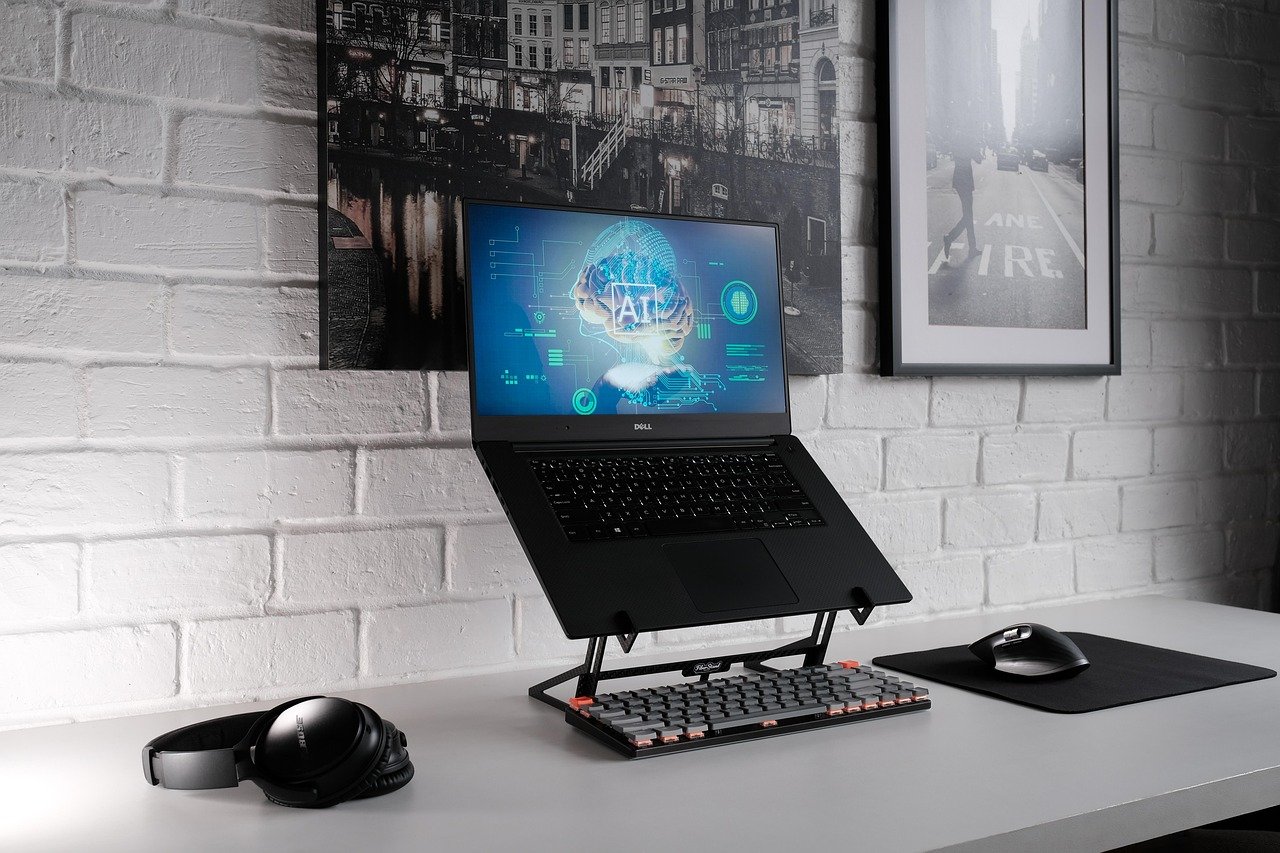


A YouTube thumbnail is often the first thing viewers notice before deciding whether to watch a video. Even when a video contains useful information, entertaining content, or excellent production quality, a weak thumbnail can make it difficult to attract clicks. This is why many creators spend considerable time designing thumbnails that are clear, attractive, and relevant to their videos.
Creating professional thumbnails used to require graphic design knowledge and expensive software. Today, artificial intelligence has made the process much easier. AI powered thumbnail tools can help creators generate designs, remove backgrounds, improve images, add text, create visual concepts, and prepare attractive layouts in a short amount of time.
The best AI thumbnail tools are useful for beginners as well as experienced YouTubers. They can save time while still giving creators control over colors, images, text, and overall presentation. However, every tool works differently, so choosing the right one depends on the type of videos you publish and how much control you want over the final design.
In this guide, we will explore some of the best AI tools for creating YouTube thumbnails, explain their useful features, and discuss how to choose the right option for your channel.
Why YouTube Thumbnails Matter
A thumbnail has an important job. It needs to communicate the main idea of a video quickly while giving viewers a reason to click.
People usually scroll through many videos before choosing one. During this process, they may only spend a moment looking at each thumbnail. A well designed image can immediately communicate the topic and create curiosity.
For example, a cooking channel might use a close image of a finished dish with a short phrase. A technology channel could show a product alongside a creator’s reaction. A travel channel might use a striking destination image with a simple title.
The goal is not to make the thumbnail complicated. The goal is to make it understandable, visually interesting, and connected to the video.
AI tools can make this process easier by helping creators turn simple ideas into polished visual designs.
What Makes a Good YouTube Thumbnail?
Before choosing an AI tool, it is useful to understand what makes a thumbnail effective.
Clear Visual Focus
A thumbnail should have one main subject. Too many objects can make the image confusing, especially when it appears on a small mobile screen.
Easy To Read Text
If text is included, it should be short and easy to understand. Large lettering usually works better than a long sentence.
Strong Image Quality
Blurred or low quality images can make a channel appear less professional. AI image enhancement tools can sometimes improve source images before they are used in a thumbnail.
Relevant Design
The thumbnail should accurately represent the video. An attractive image may generate curiosity, but misleading designs can disappoint viewers and damage trust.
Consistent Branding
Using similar fonts, visual styles, or design elements can help viewers recognize videos from the same channel.
Best AI Tools for Creating YouTube Thumbnails
There are many AI powered design platforms available today. The following tools are particularly useful for different thumbnail creation needs.
Canva
Canva is one of the easiest choices for creators who want to make YouTube thumbnails without advanced graphic design skills. Its design platform includes templates, image editing features, AI assisted tools, text options, and a large collection of visual elements.
Creators can begin with a YouTube thumbnail template and customize it for their own channel. AI features can also help with generating visual elements and editing existing designs.
One of Canva’s biggest advantages is its simple interface. Beginners can experiment with layouts without needing professional design experience.
Canva is especially useful for creators who want control over the final design rather than generating an entire thumbnail from a single prompt.
Adobe Express
Adobe Express provides a convenient way to create social media graphics and YouTube thumbnails. It combines Adobe’s design technology with a relatively simple interface.
Its AI capabilities can help users generate creative content and modify designs. Creators can start with templates or create a design from scratch.
Adobe Express is a good choice for people who want a more polished design environment while still keeping the workflow simple.
It can be particularly useful for creators who already use other Adobe products and want a familiar ecosystem for their visual content.
Microsoft Designer
Microsoft Designer uses artificial intelligence to help users create graphics from written descriptions. This can be helpful when you have a thumbnail idea but do not know how to build the design manually.
A creator could describe the subject, mood, and general visual direction, then use the generated concept as a starting point.
The ability to work from text makes AI design tools useful for brainstorming. Instead of searching through hundreds of templates, creators can begin with their own idea.
Microsoft Designer can therefore be a practical option for beginners who want AI assistance throughout the design process.
Fotor
Fotor offers AI based image creation and editing features that can be useful for YouTube thumbnails. The platform provides tools for enhancing images, removing backgrounds, generating visual content, and creating graphic designs.
One useful feature is the ability to improve an existing image rather than starting completely from scratch. This can be helpful when a creator already has a photograph but wants to make it more suitable for a thumbnail.
Fotor can also be useful for creators who need quick editing tools without using complicated professional software.
Picsart
Picsart is widely known for creative image editing and offers AI powered features for generating and modifying visual content.
YouTube creators can use it to experiment with backgrounds, effects, cutouts, text, and different visual combinations.
Its creative approach makes it particularly useful for channels that depend on bold or highly stylized thumbnails. Gaming channels, entertainment creators, and social media focused channels may find its editing features especially useful.
The main advantage is flexibility. You can begin with a photograph and transform it into something much more visually distinctive.
Leonardo AI
Leonardo AI is primarily known for AI image generation, but it can also be useful when creating custom visual assets for YouTube thumbnails.
Instead of relying only on stock photography, creators can generate an image based on a specific concept. This can be useful when the required visual does not exist in a creator’s existing photo collection.
For example, a creator discussing a futuristic technology concept could generate an appropriate background image and then combine it with text and other elements in a design editor.
AI image generation can provide creative freedom, although the generated image should always be reviewed carefully before publication.

Ideogram
Ideogram is another AI image generation platform that can be useful for thumbnail concepts. One area that makes AI image generation particularly interesting for thumbnail designers is the ability to experiment with visual ideas and text based compositions.
Creators can describe a scene and generate multiple concepts before choosing the most suitable one.
This approach is useful during the brainstorming stage. Instead of spending a long time searching for the perfect photograph, a creator can create a visual concept based on the video’s subject.
However, generated images should still be checked carefully for unwanted details, inaccurate objects, or visual elements that do not match the video.
PhotoRoom
PhotoRoom is particularly useful for creators who need clean product images or subject cutouts.
For example, a technology channel might need a smartphone isolated from its original background. A product focused creator may want to place a device against a colorful background with large text.
AI background removal can make this process much faster.
PhotoRoom is therefore especially useful for product reviews, online business channels, technology content, and videos where a single object needs to stand out.
Remove.bg
Removing a background is one of the most common tasks when designing YouTube thumbnails. Remove.bg focuses specifically on making this process simple.
A creator can upload an image and remove its background, making it easier to place the subject into another thumbnail design.
This can be useful when creating thumbnails featuring people, products, animals, or other objects.
While it is not a complete thumbnail design platform in the same way as Canva, it can work well as part of a larger workflow.
CapCut
CapCut is best known as a video editing platform, but its creative tools can also help with thumbnail production.
Creators can prepare images, add text, adjust visual effects, and create designs that match the style of their videos.
Using one platform for both video editing and thumbnail preparation can make content production more convenient.
For creators who already use CapCut for editing, its design features may provide a practical way to maintain a consistent visual style between videos and thumbnails.
How AI Makes Thumbnail Creation Faster
One of the biggest advantages of AI is speed.
Without AI assistance, a creator might spend a long time searching for images, removing backgrounds, correcting photographs, creating layouts, and adjusting visual elements.
AI can automate many of these tasks.
For example, a creator can use an AI image generator to develop a background, an AI editor to remove an unwanted object, an enhancement tool to improve image quality, and a design platform to assemble the final thumbnail.
This does not mean that every part of the design process should be automated. Human judgment remains important because the creator understands the video, audience, and channel better than an automated system.
How To Create a YouTube Thumbnail With AI
The process can be quite simple.
Start With the Video Topic
First, identify the main idea of the video. Ask yourself what viewers should understand within a few seconds of seeing the thumbnail.
Choose the Main Image
Select a photograph, product image, generated image, or another visual that represents the video.
Remove Unnecessary Backgrounds
If the main subject needs to stand out, use an AI background removal tool to isolate it.
Improve the Image
If the source image is dark, blurry, or low quality, use an AI enhancement tool where appropriate.
Add Short Text
Use only the words necessary to communicate the idea. The title of the video does not need to be repeated completely on the thumbnail.
Create Contrast
Make sure the subject and text are clearly visible against the background.
Review the Design on a Small Screen
A thumbnail may look excellent on a large computer monitor but become difficult to understand on a phone. Always check the design at a smaller size.
AI Generated Images Versus Real Photos
Both approaches can work well.
Real photographs are often ideal for personal channels, travel channels, food channels, reviews, and videos where authenticity is important.
AI generated images can be useful when a specific concept is difficult to photograph. They are also helpful for educational, futuristic, fantasy, and conceptual content.
The best choice depends on the subject of the video and the expectations of the audience.
In many cases, combining real photographs with AI assisted editing provides a strong balance between authenticity and creativity.
Common Mistakes To Avoid
AI tools can make thumbnail creation easier, but they do not automatically guarantee a good result.
One common mistake is adding too much text. A thumbnail should not look like a full advertisement or article.
Another problem is using too many visual effects. Excessive shadows, glowing elements, dramatic backgrounds, and decorative objects can make a thumbnail difficult to understand.
Creators should also avoid making thumbnails that promise something the video does not deliver. Clicks are useful, but audience trust is more valuable in the long term.
Another mistake is creating every thumbnail in a completely different style. Consistency helps viewers recognize a channel.
Choosing the Right AI Thumbnail Tool
The best tool depends on your needs.
If you are a beginner, Canva or Microsoft Designer can provide a straightforward starting point.
If you want advanced creative editing, Adobe Express or Picsart may be worth exploring.
If you need custom AI generated images, Leonardo AI or Ideogram can help with visual concepts.
If you mainly need background removal, Remove.bg or PhotoRoom may be more appropriate.
You do not necessarily need one tool for everything. Many professional creators combine several tools to create a final thumbnail.
Tips for Better AI Thumbnail Results
Write clear prompts when using AI image generators. Explain the subject, setting, mood, lighting, and composition you want.
Keep the main subject prominent. A thumbnail should communicate its message quickly.
Use readable typography and avoid unnecessary wording.
Try several concepts instead of accepting the first generated design.
Compare your thumbnail with other videos in your niche, but do not copy their designs.
Most importantly, make sure the thumbnail accurately represents your video.
Are AI Tools Good for YouTube Beginners?
Yes. AI tools can be especially valuable for beginners because they reduce the technical knowledge required to produce attractive graphics.
A new creator does not necessarily need to learn advanced Photoshop techniques before publishing a first video.
With a simple AI assisted workflow, beginners can create a basic design, remove backgrounds, improve images, experiment with layouts, and produce a professional looking result.
Over time, creators should still learn fundamental design principles. AI works best when the person using it understands composition, contrast, typography, and audience expectations.
Final Thoughts
AI has changed the way YouTube creators approach thumbnail design. Tasks that once required considerable editing experience can now be completed much more quickly with accessible AI powered tools.
Canva, Adobe Express, Microsoft Designer, Fotor, Picsart, Leonardo AI, Ideogram, PhotoRoom, Remove.bg, and CapCut each offer different strengths. Some are better for complete designs, while others are more useful for image generation, editing, or background removal.
The most important thing is not simply choosing the tool with the largest number of features. A good thumbnail depends on a clear idea, strong visual focus, readable text, and an honest connection to the video.
AI should be treated as a creative assistant rather than a replacement for human judgment. When creators combine AI capabilities with their own understanding of their audience, they can produce thumbnails that look professional, save time, and communicate their content effectively.
As AI design technology continues to improve, creating high quality YouTube thumbnails is becoming more accessible to everyone, from complete beginners to experienced content creators.