orwqa
orwqa
Related Articles
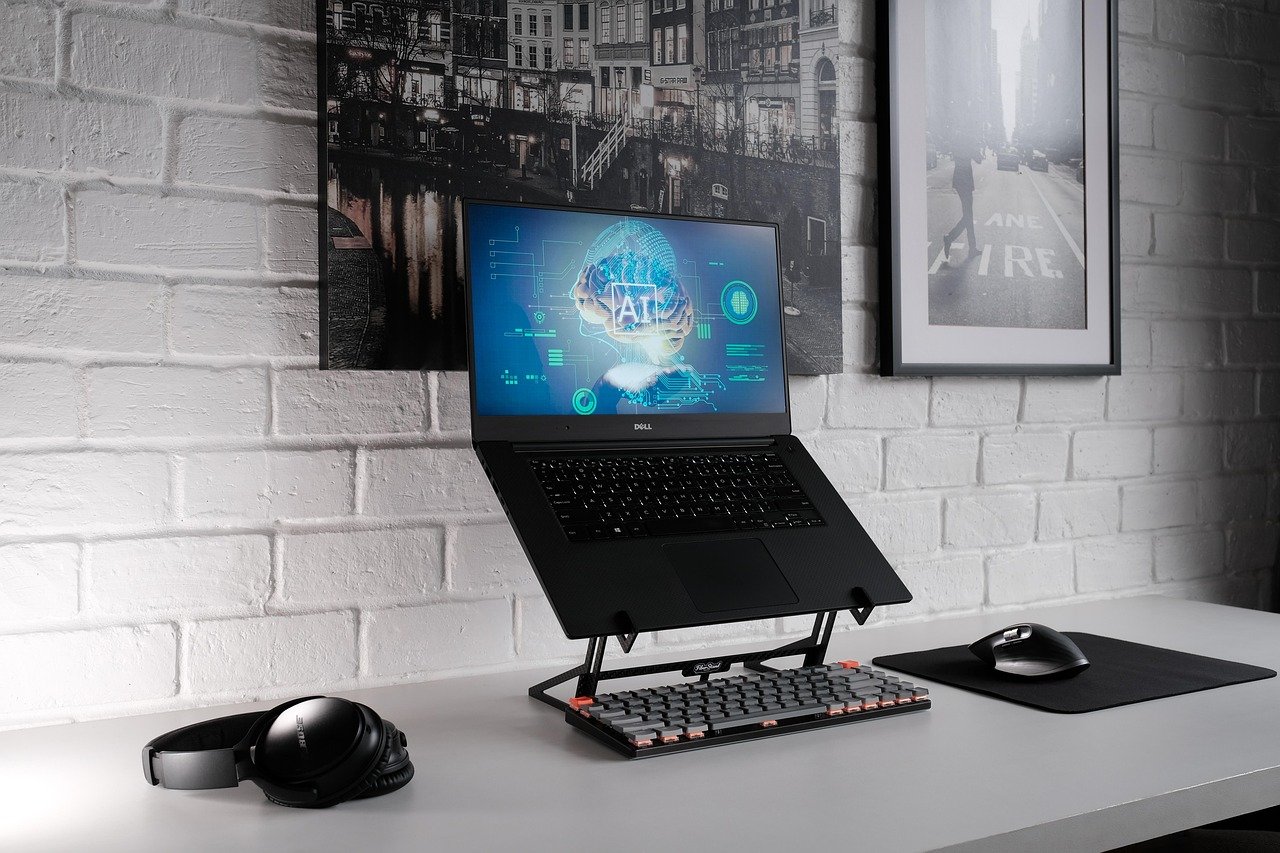


Video editing has changed dramatically in recent years. Tasks that once required hours of manual work can now be completed much faster with artificial intelligence. From removing unwanted sections and improving audio to generating captions and creating short clips, AI can help both beginners and experienced creators produce better videos with less effort.
The growing number of AI video editing tools has also made video creation more accessible. You do not necessarily need advanced editing skills or expensive software to create professional looking content. Many platforms provide automated features that can analyze your footage and suggest edits based on what you want to achieve.
Whether you create YouTube videos, social media content, online courses, marketing videos, product demonstrations, or personal projects, AI video editors can make the process easier.
This guide explores some of the best AI tools for editing videos with AI, their useful features, who they are suitable for, and what you should consider before choosing one.
What Is AI Video Editing?
AI video editing uses artificial intelligence to automate or simplify different parts of the editing process. Instead of manually performing every task, you can give the software instructions or upload your footage and let its AI features handle certain jobs.
For example, an AI video editor may identify pauses in speech and remove them automatically. Another tool may create captions by recognizing spoken words. Some platforms can improve poor audio, change backgrounds, generate short clips from longer videos, or resize content for different social media platforms.
AI does not necessarily replace the editor. Instead, it works as an assistant that can handle repetitive tasks while allowing the creator to focus on storytelling and creativity.
Why Use AI for Video Editing?
Traditional video editing can take considerable time. Even a relatively short video may require cutting clips, correcting audio, adding subtitles, adjusting the frame, and preparing different versions for various platforms.
AI can reduce the amount of manual work involved.
One of the biggest benefits is speed. Automated editing features can complete repetitive tasks in minutes. This can be particularly useful for creators who publish content frequently.
AI tools can also help beginners. A person without extensive editing experience can use templates, automatic captions, intelligent trimming, and other guided features to produce attractive videos.
Another advantage is consistency. If you regularly create videos, AI can help maintain similar caption styles, layouts, and editing patterns across your content.
Best AI Tools for Editing Videos
There is no single AI video editor that is perfect for everyone. Different platforms are designed for different purposes. Some are better for social media creators, while others are more useful for professional video production or marketing.
Here are some popular options worth exploring.
1. CapCut
CapCut is widely used by social media creators because it combines traditional editing features with numerous AI powered tools.
Its AI features can help with automatic captions, background removal, effects, video enhancement, and other editing tasks. The platform is especially convenient for creators producing short form videos.
One useful feature is automatic caption generation. Instead of manually typing every sentence, you can allow the software to analyze the speech and generate subtitles.
CapCut also provides templates and creative effects that can help beginners create engaging videos without starting everything from scratch.
Best For
CapCut is particularly suitable for TikTok style videos, short videos, social media posts, and creators who want a simple editing workflow.
2. Adobe Premiere Pro
Adobe Premiere Pro is a powerful video editing application used by professional editors, filmmakers, content creators, and production teams.
Its AI powered features can assist with tasks such as transcript based editing, audio enhancement, object related editing, and other workflow improvements.
One of its biggest strengths is that AI works alongside a large collection of professional editing tools. This gives experienced editors significant control while reducing repetitive work.
Premiere Pro is more complicated than beginner focused applications, but its extensive capabilities make it a strong option for serious video creators.
Best For
Premiere Pro is a good choice for professional editing, YouTube channels, commercial projects, and creators who want detailed control over their videos.
3. Descript
Descript takes a different approach to video editing. Instead of relying entirely on a traditional timeline, it allows users to work with a transcript of their video.
When you upload a video, the platform can transcribe the spoken content. You can then edit the transcript to make changes to the video.
For example, removing a sentence from the transcript can remove the corresponding section of the video.
This can make editing interviews, podcasts, tutorials, presentations, and talking head videos considerably easier.
Descript also offers AI features for improving audio and creating content from recorded material.
Best For
Descript is especially useful for podcasters, educators, interview creators, and people who create speech focused videos.
4. Runway
Runway focuses heavily on AI powered creative video production and editing.
The platform provides tools for generating and modifying visual content using artificial intelligence. Depending on the available features, creators can use AI for tasks such as background manipulation, visual effects, image based video creation, and other creative workflows.
Runway is particularly interesting for creators who want to experiment with AI generated visuals rather than simply performing conventional cuts.
Its tools can be useful when a project requires creative visual effects that would otherwise take significant manual effort.
Best For
Runway is worth considering for filmmakers, visual artists, creative agencies, and creators interested in experimental AI video production.
5. VEED
VEED is an online video editing platform designed to make video creation accessible through a browser.
Its AI features include automatic subtitles, transcription, background related tools, and other editing assistance.
Because it operates online, users can avoid installing a large desktop application. This can be convenient when working from different computers.
VEED is also useful for social media creators who need to produce videos quickly and add captions, graphics, and other elements.
Best For
VEED is a practical option for beginners, marketers, educators, and social media creators.
6. Filmora
Filmora combines traditional video editing with AI assisted features.
The software is designed to be easier to use than many professional editing applications while still offering a broad selection of editing capabilities.
AI features can assist with tasks such as removing unwanted elements, generating captions, improving audio, creating effects, and speeding up editing workflows.
Filmora can therefore be useful for people who want more control than a basic online editor provides but do not want to deal with an extremely complicated professional interface.
Best For
Filmora is suitable for beginners, YouTubers, students, and small businesses.
7. InVideo AI
InVideo AI focuses on simplifying video creation through text based instructions.
Instead of beginning with an empty editing timeline, users can describe the video they want to create. The platform can then help assemble a video using available media, text, voiceover, and other elements.
This approach can be useful for creators who need promotional videos, educational content, social media videos, or other projects without extensive manual editing.
AI can also help users modify their videos after the initial creation.
Best For
InVideo AI is useful for marketers, small businesses, social media creators, and people who want to create videos from written ideas.
8. Canva
Canva is well known for graphic design, but it also provides video editing and AI powered creative tools.
Its simple interface makes it accessible to people who may not have professional editing experience. Users can combine videos, images, text, animations, music, and other elements in one project.
AI features can help with generating content, creating designs, modifying visuals, and speeding up parts of the creative process.
Canva can be especially convenient for businesses that already use it for social media graphics and presentations.
Best For
Canva is a strong option for social media posts, presentations, marketing videos, educational content, and simple promotional projects.
9. Descript for Speech Based Editing
For creators who produce videos centered around spoken content, transcript based editing can be extremely useful.
Tools such as Descript can identify spoken words and convert them into editable text. This makes it easier to locate specific parts of a recording.
Suppose you recorded a twenty minute tutorial and want to remove several sentences. Finding those sections manually on a timeline can take time. With transcript based editing, you can search for the words and edit the corresponding section.
This approach can make long interviews and educational recordings much easier to manage.
10. Wondershare Filmora AI Features
Filmora deserves attention because it combines an approachable editing environment with AI assistance.
Many beginners find professional editing applications intimidating because they contain numerous panels and technical controls. Filmora provides a more straightforward workflow while still offering useful creative tools.
Its AI capabilities can help with repetitive editing tasks, allowing users to spend more time deciding how their video should look and sound.
This makes it a useful middle ground between basic mobile editors and advanced professional applications.

Important AI Features to Look For
When choosing an AI video editor, it is important to look beyond the name of the software. Different tools provide different AI capabilities.
Automatic Captions
Automatic captions are one of the most practical AI video features.
The software analyzes speech and converts it into text. You can then review the captions and correct any mistakes.
Captions are especially useful for social media videos because many people watch videos without sound.
Automatic Silence Removal
Long pauses can make a video feel slow. Some AI editors can detect periods of silence and remove them automatically.
This is useful for podcasts, tutorials, interviews, and talking head videos.
AI Audio Enhancement
Good sound quality is essential for a professional video.
AI audio tools can help reduce unwanted background noise and improve speech clarity. They can be particularly useful when recordings were made in environments with fans, traffic, or other background sounds.
However, AI audio enhancement should be used carefully. Excessive processing can make voices sound unnatural.
Background Removal
AI can identify the main subject of a video and separate it from the background.
This allows creators to replace or modify backgrounds without requiring traditional green screen production.
The feature can be useful for presentations, product videos, social media content, and educational material.
Automatic Short Clip Creation
Long videos can contain several interesting moments. Some AI tools can analyze longer recordings and identify sections that may work well as short clips.
This can save creators time when repurposing podcasts, interviews, webinars, and YouTube videos.
Text Based Editing
Text based editing allows users to edit video through a transcript.
This is one of the most convenient AI features for speech heavy content because it makes the editing process feel more like editing a document.
How to Choose the Right AI Video Editor
The best tool depends on your specific requirements.
If you primarily create short social media videos, a simple platform with captions, templates, effects, and automatic resizing may be enough.
If you create professional YouTube videos, you may want a more advanced application with detailed timeline controls.
For podcasts and interviews, transcript based editing can be extremely valuable.
If your goal is creative AI video generation, platforms focused on generative video may be more appropriate.
You should also consider your computer, internet connection, budget, and level of editing experience.
Are AI Video Editors Good for Beginners?
Yes. One of the biggest advantages of AI video editing is that it lowers the technical barrier for beginners.
A new creator does not need to understand every professional editing technique before producing their first video.
AI can automate captions, remove certain unwanted sections, improve audio, and assist with other repetitive tasks.
However, beginners should still learn basic editing principles. AI can help execute an idea, but it cannot always understand the exact story you want to tell.
Knowing when to cut a scene, how long to hold a shot, and how to maintain a natural flow remains important.
Can AI Replace Human Video Editors?
AI is becoming increasingly capable, but completely replacing human editors is a different matter.
Video editing involves more than technical manipulation. Editors make creative decisions about pacing, storytelling, emotion, timing, music, and visual consistency.
AI can perform many repetitive tasks, but human judgment remains important for projects where storytelling and creative direction matter.
The most effective approach is often to use AI as an assistant rather than treating it as a complete replacement for human creativity.
Tips for Getting Better Results With AI Video Tools
Start with high quality footage whenever possible. AI can improve certain problems, but it cannot always completely repair poorly recorded material.
Give the AI clear instructions when the platform supports text based commands. A detailed description can often produce more useful results than a very general request.
Always review automatically generated captions. Speech recognition can misunderstand names, technical terms, accents, or unclear audio.
Do not apply every AI effect simply because it is available. A professional video usually benefits more from purposeful editing than from excessive effects.
Keep your audience in mind. A fast editing style may work well for short social media videos but may feel distracting in an educational presentation.
AI Video Editing for YouTube Creators
YouTube creators can benefit from AI throughout the editing process.
AI can help create captions, remove pauses, improve audio, generate short clips, and prepare content for different formats.
For creators who publish regularly, these time savings can be significant.
For example, a creator could record one long interview and use AI tools to identify several interesting moments for short videos. The original recording can remain available as a longer video while the shorter clips provide additional content for social media.
This approach allows creators to get more value from a single recording session.
AI Video Editing for Businesses
Businesses can also benefit from AI video editing.
Small companies often need promotional videos but may not have a dedicated video production team. AI assisted tools can make it easier to create product demonstrations, advertisements, educational videos, and social media content.
AI can help reduce the time required for repetitive production tasks. This allows small teams to create more content without significantly increasing their workload.
However, businesses should still review every video carefully to ensure that branding, product information, pricing, and claims are accurate.
Privacy and Copyright Considerations
Before uploading video material to an AI platform, read its privacy and data handling policies.
This is particularly important when your footage contains private conversations, confidential business information, customer information, or unreleased products.
You should also make sure that you have permission to use music, images, video clips, and other copyrighted material.
AI editing does not automatically give you ownership rights over third party content.
Responsible use of AI means checking both the technical result and the legal or privacy implications of the final video.
Final Thoughts
AI video editing tools have made many parts of video production faster and more accessible. Features such as automatic captions, silence removal, audio enhancement, background removal, transcript based editing, and intelligent clip creation can save creators a significant amount of time.
Tools such as CapCut, Adobe Premiere Pro, Descript, Runway, VEED, Filmora, InVideo AI, and Canva each approach AI video editing differently. The right choice depends on the type of content you create and how much control you want over the editing process.
For beginners, a simple platform with automated features may be the best starting point. More experienced editors may prefer professional software that combines AI assistance with detailed manual controls.
The most important thing to remember is that AI works best when it supports a clear creative idea. Good footage, thoughtful storytelling, appropriate pacing, and human judgment still matter.